Optimize Your Streaming Experience for the Biggest Event in Sports
The 2026 World Cup is set to be the most-watched sporting event in history. With matches spread across three time zones and dozens of cities, ensuring your home entertainment system is ready for high-definition streaming is essential. This guide provides a technical walkthrough on how to configure IPTV for maximum performance during the tournament.
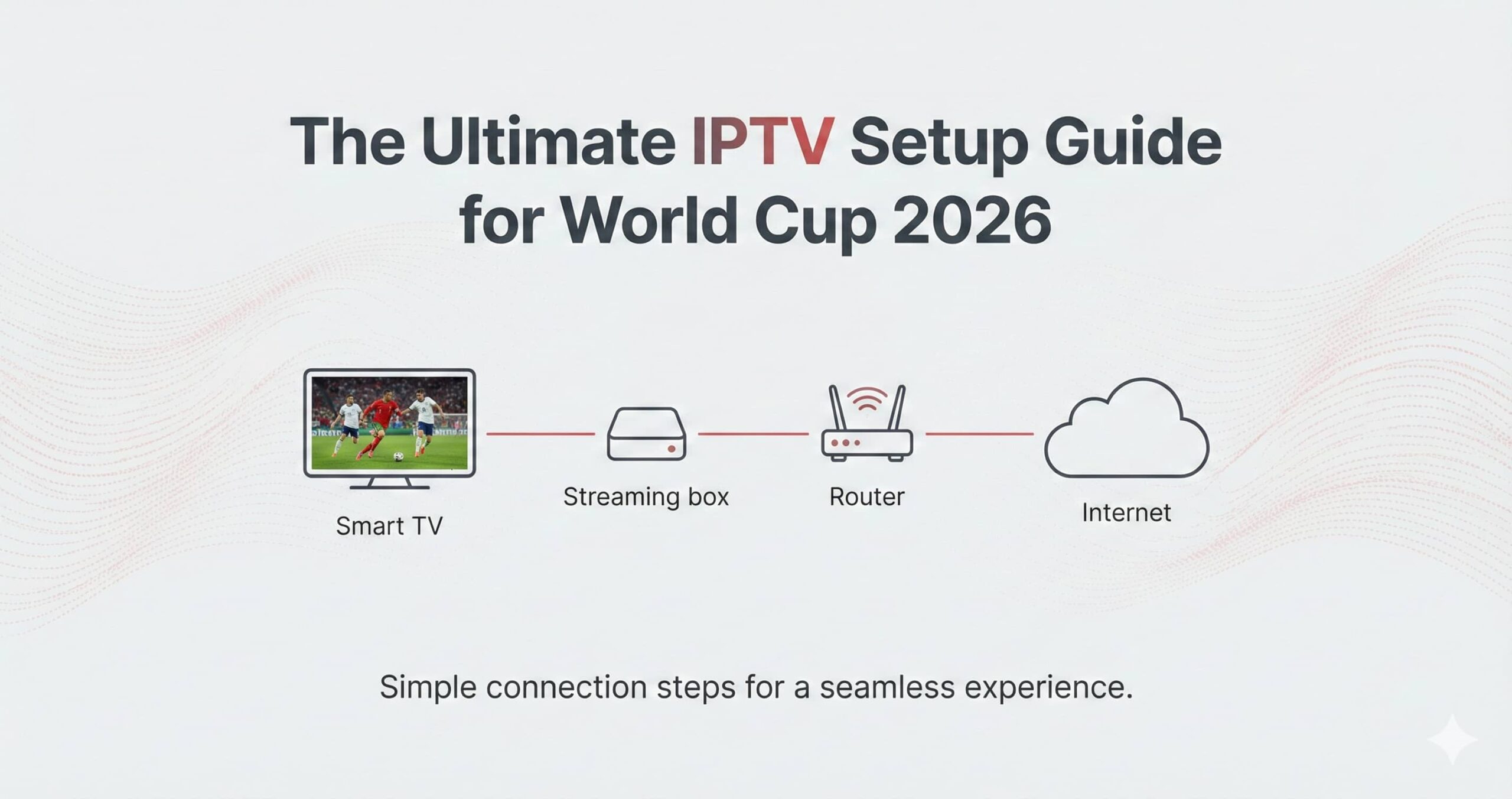
Essential Hardware for 4K Playback
To handle the high frame rates (60fps) required for smooth football motion, your hardware needs sufficient processing power. Below are the top-tier devices recommended for 2026:
| Device Category | Recommended Hardware | Key Benefit |
|---|---|---|
| Streaming Devices | Amazon Fire TV Stick 4K Max / Apple TV 4K | Dedicated hardware decoding for 4K streams. |
| Android Boxes | NVIDIA Shield TV Pro | Superior AI upscaling for non-HD channels. |
| Smart TVs | Google TV / LG webOS | Integrated experience without external cables. |
Network Optimization Strategies
Live sports are sensitive to latency and jitter. To ensure you don’t see a “loading” circle right before a goal, follow these networking protocols:
- Hardwire via Ethernet: Wi-Fi is prone to interference. A Cat6 Ethernet cable ensures a consistent 100Mbps+ connection.
- 5GHz Band Usage: If you must use Wi-Fi, ensure your device is connected to the 5GHz band rather than 2.4GHz to avoid congestion from other household electronics.
- Quality of Service (QoS): Access your router settings and prioritize traffic to your streaming device to ensure it gets the most bandwidth during match times.
Step-by-Step Software Configuration
Once your hardware and network are ready, follow these steps to configure your chosen player application:
1. Select a Media Player
For the best user experience, choose a player that supports EPG (Electronic Program Guide) and multi-screen viewing. Popular choices include TiviMate, IPTV Smarters Pro, and OTT Navigator.
2. Input Connection Details
Most services utilize one of two connection methods:
- M3U URL: A link that imports the entire channel list.
- Xtream Codes API: Requires a Server URL, Username, and Password (generally faster to load).
3. Configure the EPG (Program Guide)
Ensure your EPG source is updated. This allows you to see the 2026 World Cup schedule directly in your interface, set reminders for matches, and even record games if your app supports local storage.

Advanced Tuning for Live Sports
To get the most out of your stream, dive into the advanced settings of your player app:
- Buffer Size: Set your buffer to “Small” (0.5s – 1s). This reduces the delay between the real-life action and your screen, ensuring you aren’t spoiled by crowd noise from neighbors.
- Hardware Acceleration: Enable “Hardware Decoding” in settings to let the device’s GPU handle the video processing, reducing heat and lag.
- Refresh Rate Switching: Enable “Auto Frame Rate” (AFR). This matches your TV’s refresh rate to the broadcast (e.g., 50Hz or 60Hz), eliminating motion judder.
Enjoy the 2026 World Cup with the best possible visual experience.
Prepare your setup today to avoid last-minute technical hurdles.