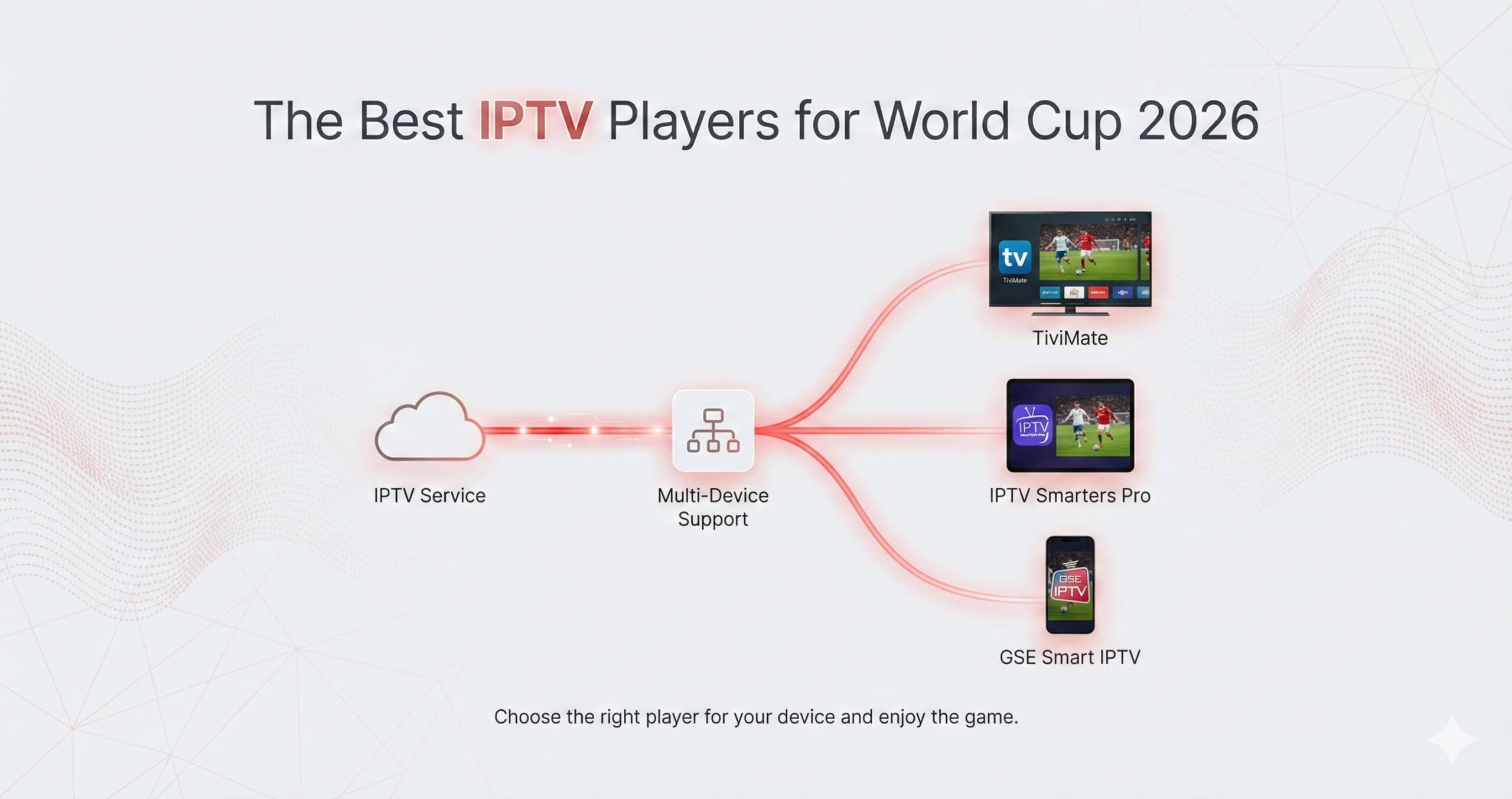
As the 2026 World Cup prepares to take center stage in the USA, Canada, and Mexico, the way we watch football has shifted entirely toward the digital domain. For the modern fan, an IPTV subscription is only half of the equation; the other half is the IPTV Player—the software interface that determines how you navigate channels, how quickly you switch between matches, and how reliably you stream in 4K.
In 2026, a “good” player is no longer defined just by its ability to play a stream. It must handle massive Electronic Program Guides (EPG), offer low-latency “spoiler-free” viewing, and support multi-screen viewing for those overlapping group stage matches. This educational guide evaluates the top-tier IPTV players currently dominating the market to help you choose the best “engine” for your World Cup viewing.
Why the Player App Matters for Live Sports
Unlike movies or TV shows, live sports are time-sensitive and high-motion. If your player app has a poorly optimized internal video engine, you will experience “frame drops” or “judder” during fast-moving plays. Furthermore, during the World Cup, the stakes for stability are higher. A crash in the 90th minute is unacceptable. The players listed below have been selected for their stability, codec support, and user experience (UX) design.
1. TiviMate: The Gold Standard for 2026
TiviMate remains the most recommended IPTV player for the 2026 World Cup, specifically for users on Android TV and Firestick. It is designed to mimic the high-end experience of a premium satellite box (like Sky or Comcast) but with the power of the internet.
Key Features for the World Cup:
- Professional UI: The interface is clean, fast, and works seamlessly with a standard TV remote.
- Advanced Multi-View: You can watch up to 9 screens simultaneously on high-end hardware like the NVIDIA Shield. For the World Cup group stages, this allows you to track multiple matches at once.
- EPG Management: It handles large channel lists effortlessly, ensuring the World Cup schedule is always visible.
- Customized Grouping: You can create a “World Cup” group and move all your sports channels into it for instant access.
Verdict: If you are on an Android-based device, TiviMate Premium is the best investment you can make for 2026.
2. IPTV Smarters Pro: The Cross-Platform Powerhouse
IPTV Smarters Pro is perhaps the most famous name in the industry. Its greatest strength is its availability. Whether you are on an iPhone, an Android tablet, a Windows PC, or a Smart TV, Smarters has a version for you.
Why it’s Great for 2026:
- Device Flexibility: It is the perfect “backup” player to have on your phone when you are away from your main TV.
- Master Search: With thousands of channels, its master search feature allows you to type “World Cup” and instantly see every channel currently broadcasting the tournament.
- Catch-up TV: It has a very intuitive interface for watching matches that have already aired, provided your service supports catch-up.
Verdict: The best choice for fans who want a consistent experience across multiple different types of devices.
3. OTT Navigator: The Customization King
For fans who like to “tweak” their settings to get the absolute maximum performance, OTT Navigator is the technical choice. While its interface is less “beautiful” than TiviMate, its performance is arguably more efficient on older hardware.
Advanced Features:
- Codec Customization: You can choose exactly which video player engine to use for specific streams, which is vital for fixing audio/video sync issues during live broadcasts.
- Network Caching: It allows for very granular control over “caching,” helping users on slower Wi-Fi connections prevent buffering.
- Picture-in-Picture (PiP): Excellent support for watching a match in a small window while browsing other channels.
Verdict: Recommended for tech-savvy fans who want to optimize their stream to the millisecond.
4. iPlayTV (for Apple TV 4K)
If you are using an Apple TV for the 2026 World Cup, iPlayTV is often cited as the best-performing option. It is optimized for the Apple ecosystem, taking full advantage of the A-series processors.
Highlights:
- Modern Apple Aesthetics: It looks and feels like a native Apple app.
- Fluid Navigation: Scrolling through 20,000 channels feels instantaneous.
- Vibrant Colors: It handles HDR and Dolby Vision metadata with extreme precision, making it ideal for the high-end broadcasts expected in 2026.
Verdict: The “must-have” player for Apple TV owners who refuse to compromise on visual quality.
5. XCIPTV: The User-Friendly Choice
XCIPTV is often the player that comes “pre-installed” or recommended by many providers because of its simplicity. It uses a tile-based interface that is very easy for children or elderly family members to navigate.
What to Expect:
- Low Learning Curve: The main menu is divided into simple blocks: Live TV, VOD, and Series.
- Reliability: It is a very “light” app, meaning it won’t crash your device even if the RAM is nearly full.
- Built-in EPG: It automatically populates the match schedule without requiring manual configuration.
Verdict: Perfect for a secondary TV in the kitchen or bedroom where you want a simple, hassle-free experience.
Technical Comparison: Choosing Your Player
| Feature | TiviMate | IPTV Smarters | OTT Navigator | iPlayTV |
|---|---|---|---|---|
| Best For | NVIDIA Shield / Firestick | Cross-Platform | Technical Tuning | Apple TV |
| Multi-View | Excellent (Up to 9) | Good (Up to 4) | Good (PiP) | Limited |
| EPG Speed | Instant | Moderate | Fast | Fast |
| Recording | Yes (Professional) | Limited | No | Limited |
Critical Factors for 2026 Streaming
When selecting your player for the World Cup, keep these three educational factors in mind:
1. Auto Frame Rate (AFR)
Broadcasts from Europe and South America often use different frame rates (50Hz vs 60Hz). If your player doesn’t support AFR, you will see a “micro-stutter” every few seconds as the frames don’t align with your TV’s refresh rate. TiviMate and iPlayTV are the leaders in this category.
2. EPG Loading Speed
During the World Cup, match times are constantly shifting. Your player must be able to refresh its EPG data quickly. A player that takes 5 minutes to “update” every time you open it will frustrate you when you’re trying to find a match that just started.
3. External Player Support
Sometimes, a specific broadcast codec won’t play correctly in the “internal” player. A good app allows you to long-press and select “Play with VLC” or “Play with MX Player.” This is a vital fallback for live events.
Final Recommendation
For the ultimate 2026 World Cup experience, we recommend TiviMate Premium for those using a dedicated streaming box. It provides the most “stadium-like” feel and is powerful enough to handle the massive traffic of 2026. If you are an Apple user, iPlayTV is your best bet. For those who watch on the go, IPTV Smarters Pro should be your universal backup.
Prepare your devices today, test your playlists, and ensure your EPG is configured. The World Cup only happens once every four years—don’t let a sub-par player app ruin your experience.
Looking for the best hardware to run these players? Check out our comparison of the NVIDIA Shield vs. Apple TV for 2026.