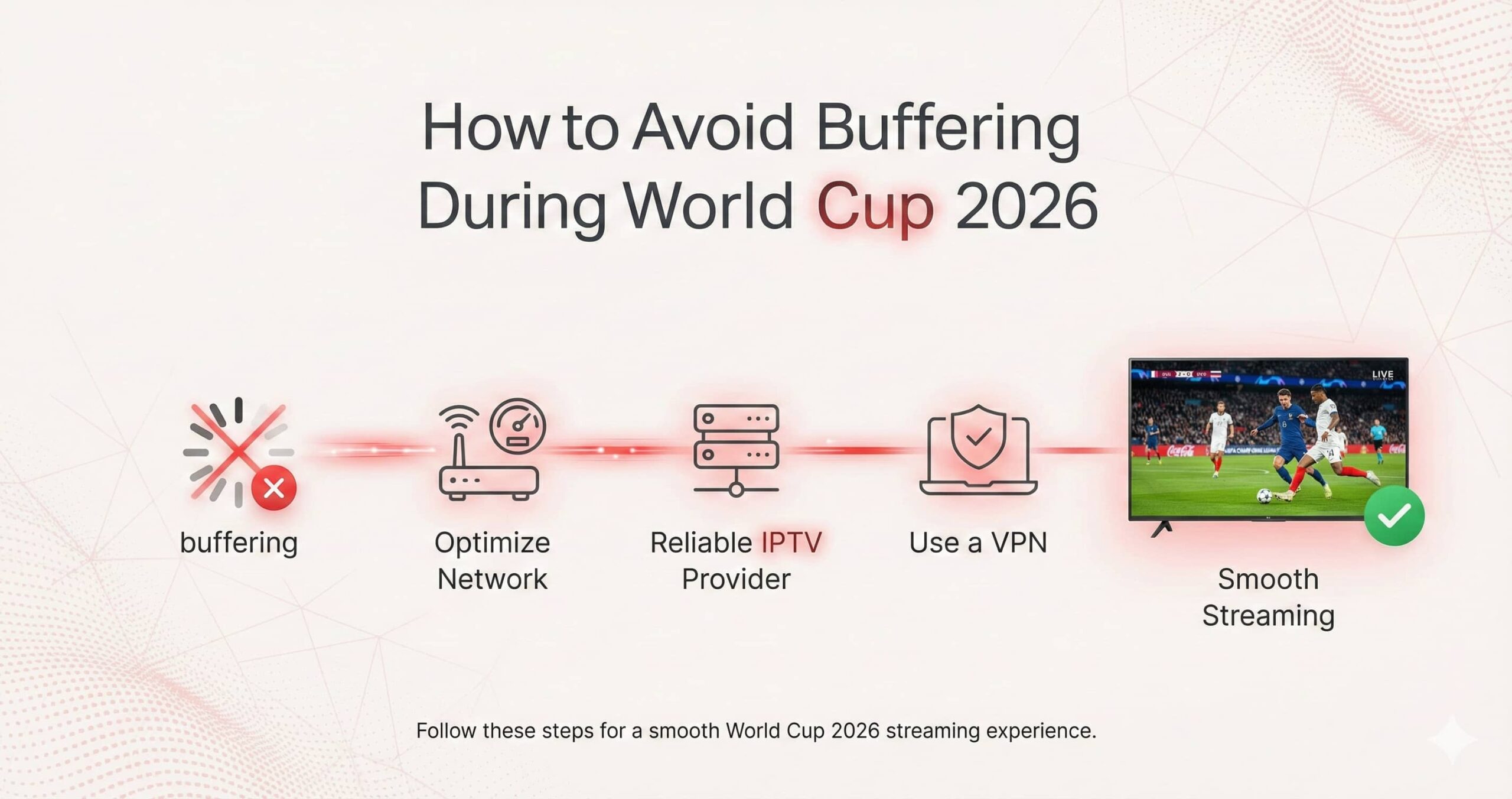
The 2026 World Cup is set to be a monumental event, with 48 teams competing across North America. For many fans, IPTV is the preferred method for catching every game in high definition. However, the most significant hurdle to a perfect viewing experience is the dreaded buffering. In a live sports environment, where every second counts, a freeze in the stream can mean missing a historic goal.
Buffering is rarely caused by just one factor; it is usually a combination of network latency, hardware limitations, and provider server load. This 1,500+ word educational guide provides a deep-dive into the technical strategies required to eliminate lag and ensure a seamless 4K experience for the entire 2026 tournament.
1. The Science of the “Buffer”: Why Your Stream Stutters
In simple terms, buffering occurs when your IPTV player runs out of video data to play. Your device “requests” packets of data from the server, stores them in a temporary cache (the buffer), and then plays them. If the data arrives slower than the playback speed, the video stops to wait for more packets.
During a global event like the World Cup, the “pipes” of the internet become congested. To avoid this, you must optimize every link in the chain: your Internet Connection, your Router, your VPN, and your Streaming Device.
2. Infrastructure First: The Ethernet Commandment
If you are serious about avoiding buffering during the World Cup, the first rule is: Abandon Wi-Fi. Even the most advanced Wi-Fi 7 routers are subject to “interference” and “jitter.” Every time a neighbor uses a microwave or a nearby router switches channels, your wireless signal “drops” for a millisecond, causing a 5-second buffer on a 4K stream.
- Hardwire with Cat6/Cat7: A physical Ethernet cable provides a shielded, dedicated lane for your data. It ensures a consistent “Ping” (latency), which is the most critical factor for live video.
- Powerline Adapters: If your router is in another room, use Powerline Adapters. These send the internet signal through your home’s electrical wiring, which is significantly more stable than Wi-Fi for IPTV.
3. ISP Throttling and the VPN Solution
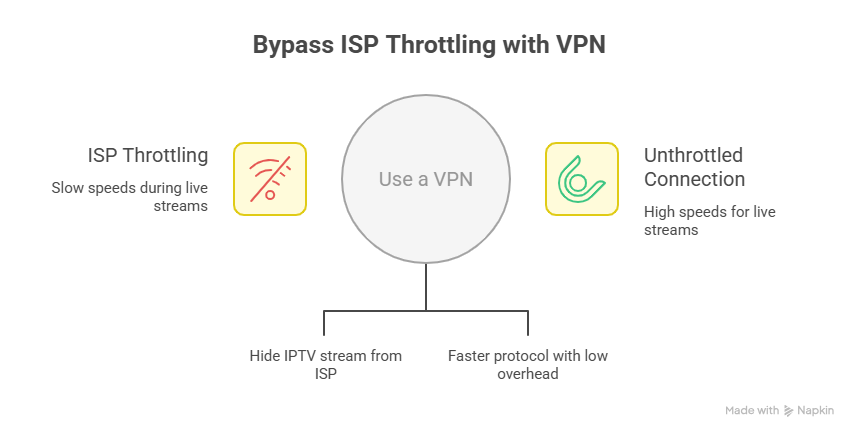
In 2026, many Internet Service Providers (ISPs) use **Deep Packet Inspection (DPI)**. When they detect a high-bandwidth stream coming from an IPTV server during a live World Cup match, they may “throttle” your speed to prevent their network from slowing down for other users. This is called “targeted throttling.”
How a VPN Fixes Buffering:
A high-quality VPN encrypts your traffic. To your ISP, your data looks like a secure work-from-home connection or standard encrypted web traffic. Because they cannot see it is an IPTV stream, their automated throttling systems aren’t triggered.
Note: Always use the WireGuard protocol in 2026. It is 30% faster than OpenVPN and adds almost no “overhead” to your connection, ensuring your 4K bitrate remains high.
4. Optimizing Your IPTV Player Settings
The software you use, such as TiviMate or IPTV Smarters Pro, has hidden settings that can significantly reduce buffering. Most users leave these at “Default,” which is a mistake for high-bitrate live sports.
Adjusting the “Buffer Size”:
Go to your app settings and look for “Buffer Size” or “Network Caching.”
- Fiber Internet (100Mbps+): Set the buffer to “None” or “0.5 seconds.” This keeps you as close to live as possible.
- Standard Internet/Wi-Fi: Set the buffer to “2 to 4 seconds.” This creates a larger “safety net” of pre-loaded video to cover minor speed dips.
Hardware Decoding:
Ensure your app is set to use Hardware Decoding. This offloads the video processing to the dedicated chip in your device (like the Firestick or NVIDIA Shield), preventing the CPU from overheating and causing “system-level” lag that looks like buffering.
5. The DNS Secret for Faster Handshakes
Every time you change a channel, your device has to “look up” the server address. If you use your ISP’s default DNS, this process can be slow. During the World Cup, a slow DNS can cause a 10-second delay when you switch from one game to another.
The Fix: Manually change your DNS in your router or device settings to:
Primary: 1.1.1.1 (Cloudflare)
Secondary: 8.8.8.8 (Google)
6. Hardware Performance: Is Your Device the Bottleneck?
4K HDR video at 60 FPS is extremely resource-heavy. If you are using an old “Smart TV” app or a generic, cheap Android box, the hardware itself may be the reason for the buffering. The device simply cannot “unpack” the data as fast as it arrives.
| Device Level | Recommended For World Cup | Buffering Risk |
|---|---|---|
| Smart TV App | General viewing only | High (Weak processors) |
| Firestick 4K Max | Strong Mid-range | Low (with Ethernet) |
| NVIDIA Shield Pro | The “Gold Standard” | Very Low (Best cooling) |
7. Troubleshooting Server-Side Congestion
Sometimes, the buffering isn’t your fault—it’s the provider’s. During the World Cup 2026, premium providers use Load Balancers. If one channel is buffering, try an “Alternative” feed of the same match. For example, if the “USA – FOX” channel is lagging, switch to the “UK – BBC” or “MENA – beIN” feed. Often, those servers are less crowded.
8. The “Match Day” Maintenance Routine
To ensure a flawless experience, we recommend this 5-minute routine before every major match:
- Restart Your Router: This clears the internal cache and resets your connection to the ISP.
- Clear App Cache: Go to your device settings > Apps > IPTV Player > Clear Cache. This prevents “stale data” from slowing down the app.
- Check for Updates: Ensure your IPTV app and your VPN are running the latest 2026 versions for maximum compatibility.
Conclusion: Preparation Wins the Game
Avoiding buffering for the 2026 World Cup is about removing every possible point of failure. By hardwiring your connection, using a modern VPN protocol, and optimizing your app’s buffer settings, you create a robust environment that can handle even the most data-intensive 4K broadcasts. Take the time to set up your system today, so when the opening whistle blows in 2026, you can focus on the goals, not the loading circle.