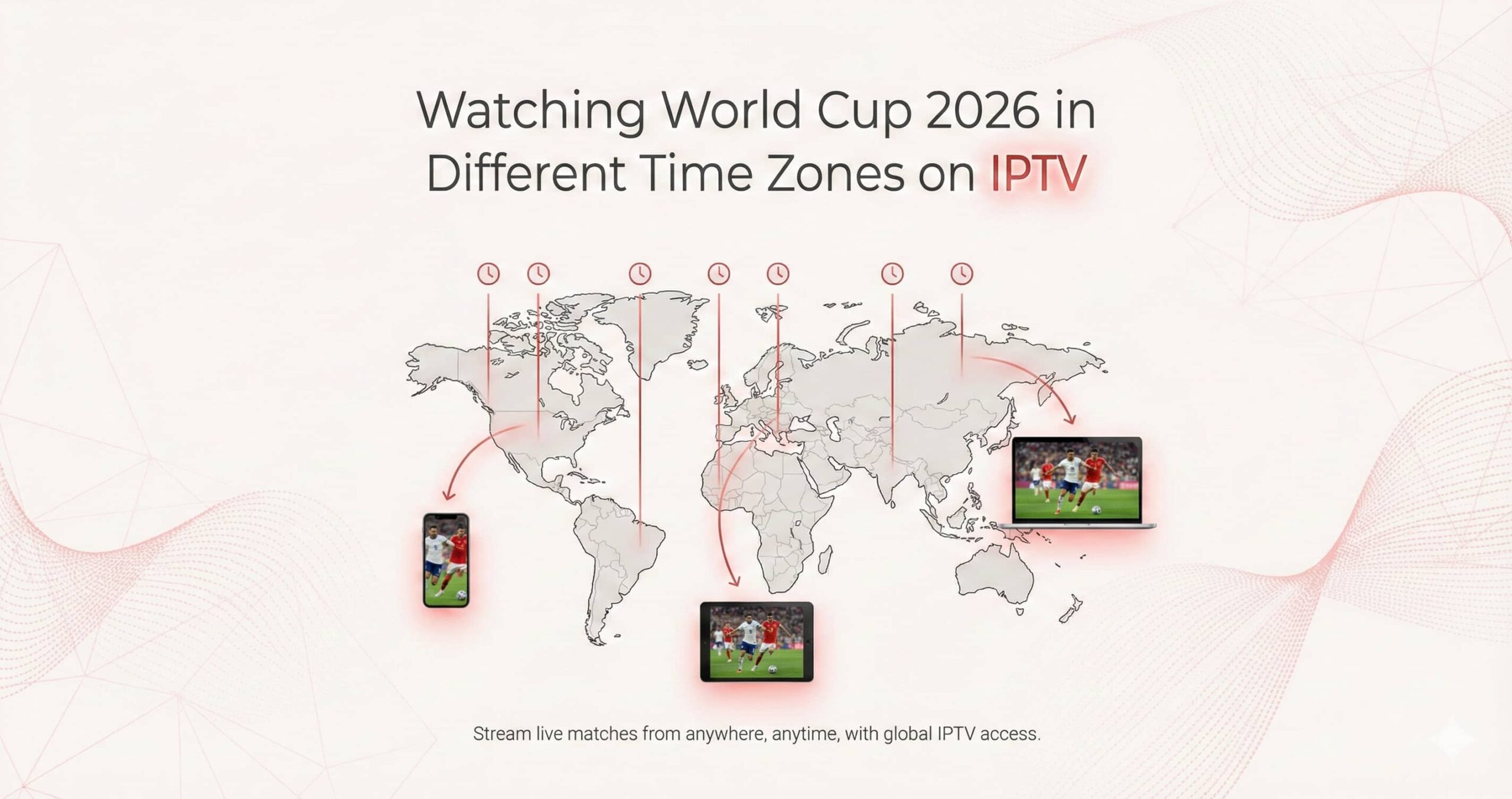
The 2026 FIFA World Cup is making history as the largest and most geographically diverse tournament ever held. Spanning 16 host cities across the United States, Canada, and Mexico, the 104-match schedule creates a unique challenge for the global audience. With three host nations and four primary time zones (Pacific, Mountain, Central, and Eastern), the “kick-off window” is wider than ever before.
For fans in Europe, Africa, and Asia, this means many marquee matches will take place during the early hours of the morning. In this environment, IPTV (Internet Protocol Television) is no longer just an alternative; it is a technical necessity. This educational guide explores how to leverage IPTV features to master the 2026 World Cup schedule, regardless of where you are on the planet.
1. The North American Time Zone Map
To plan your viewing, you must understand the “Tri-National” grid. The 2026 host cities are divided into three main clusters, each affecting international viewers differently:
- Eastern Region (ET / GMT-4): Includes New York/New Jersey, Miami, Toronto, and Atlanta. These matches typically kick off between 1:00 PM and 8:00 PM local time.
Impact: Ideal for European prime-time viewing (6:00 PM – 1:00 AM).
- Central Region (CT / GMT-5): Includes Mexico City, Dallas, Kansas City, and Monterrey.
Impact: Late-night viewing for Europe; early morning for Asia.
- Western Region (PT / GMT-7): Includes Los Angeles, San Francisco, Seattle, and Vancouver.
Impact: The “Late Window.” A 6:00 PM kickoff in Los Angeles is 2:00 AM in London and 10:00 AM in Tokyo.
2. IPTV Catch-Up: Your Digital Time Machine
The most powerful tool for the 2026 tournament is Catch-Up TV. Unlike traditional cable, which requires you to be awake for the 3:00 AM kickoffs, premium IPTV services record the matches on their high-performance servers automatically.
How to use it effectively:
- Auto-Recording: You don’t need to set a timer. In apps like TiviMate or Smarters Pro, simply scroll backward in the EPG (Electronic Program Guide) to any match that occurred overnight and hit “Play.”
- Skip the Spoilers: Because the recording is on the server, you can start watching the 3:00 AM match at 8:00 AM and fast-forward through halftime and commercials, catching up to “real-time” before the next set of games begins.
- 7-Day Retention: Ensure your provider offers at least 48 hours to 7 days of catch-up. This allows you to binge-watch all group stage matches over the weekend if your work schedule interferes during the week.
3. Managing the “Spoiler” Problem
In 2026, social media notifications and live-score apps are faster than ever. If you are watching a match on catch-up or a delayed feed, you risk hearing about a goal before you see it.
Technical Fixes:
- Disable Score Previews: Go to your IPTV app settings and turn off “Show Scores in EPG.” This prevents you from accidentally seeing that “Brazil won 2-1” while you are searching for the replay link.
- Mute Notifications: Set your sports apps (ESPN, Forza, etc.) to “Do Not Disturb” until you have finished watching your catch-up stream.
4. Multi-View: Following Multiple Groups Simultaneously
During the final round of the 2026 group stages, games in the same group are played at the same time to ensure fair play. Because there are 12 groups of four, you will often have high-stakes matches overlapping across different time zones.
The Multi-Screen Solution:
Using a powerful device like the NVIDIA Shield Pro, you can use the **Multi-View** feature. You can place the USA match (Eastern Time) in a large window and the simultaneous Mexico match (Central Time) in a smaller window. This ensures you are tracking the “Live Group Standings” in real-time as goals fly in across the continent.
5. Global Feeds and Commentary Choice
One of the hidden benefits of IPTV for the 2026 World Cup is the ability to choose your “Regional Bias.”
If you are an expat living in a time zone where the local commentary is in a language you don’t speak, you can simply switch to the BBC/ITV (UK), FOX (USA), or beIN Sports (Arabic) feeds. These broadcasters tailor their analysis to their specific home audiences, giving you a sense of “home” even if you are thousands of miles away.
6. Technical Readiness for 4K Streaming
Watching live 4K 60FPS sports from across the Atlantic or Pacific requires a robust network setup. To maintain a smooth experience across different time zones:
| Setup Pillar | Educational Recommendation |
|---|---|
| Bandwidth | 60 Mbps+ for dedicated 4K streaming. |
| VPN Location | Connect to a server near the broadcaster (e.g., London for BBC) to improve routing. |
| Buffer Setting | Set to 5-10 seconds for international feeds to smooth out “Internet Jitter.” |
| Hardware | Use a device with 3GB+ RAM (Shield/Formuler) to handle the 4K decoding load. |
Conclusion: The World, Unified on One Screen
The 2026 World Cup schedule is a complex puzzle, but IPTV is the ultimate solution to solve it. By mastering the Catch-Up feature, utilizing Multi-View for concurrent games, and securing your connection with a VPN, you transcend the limits of geography. No matter your time zone, IPTV ensures you have a front-row seat to every historic moment from Mexico City to Vancouver.
Prepare your setup today—adjust your EPG offsets, verify your catch-up windows, and get ready for a month of world-class football that never sleeps.