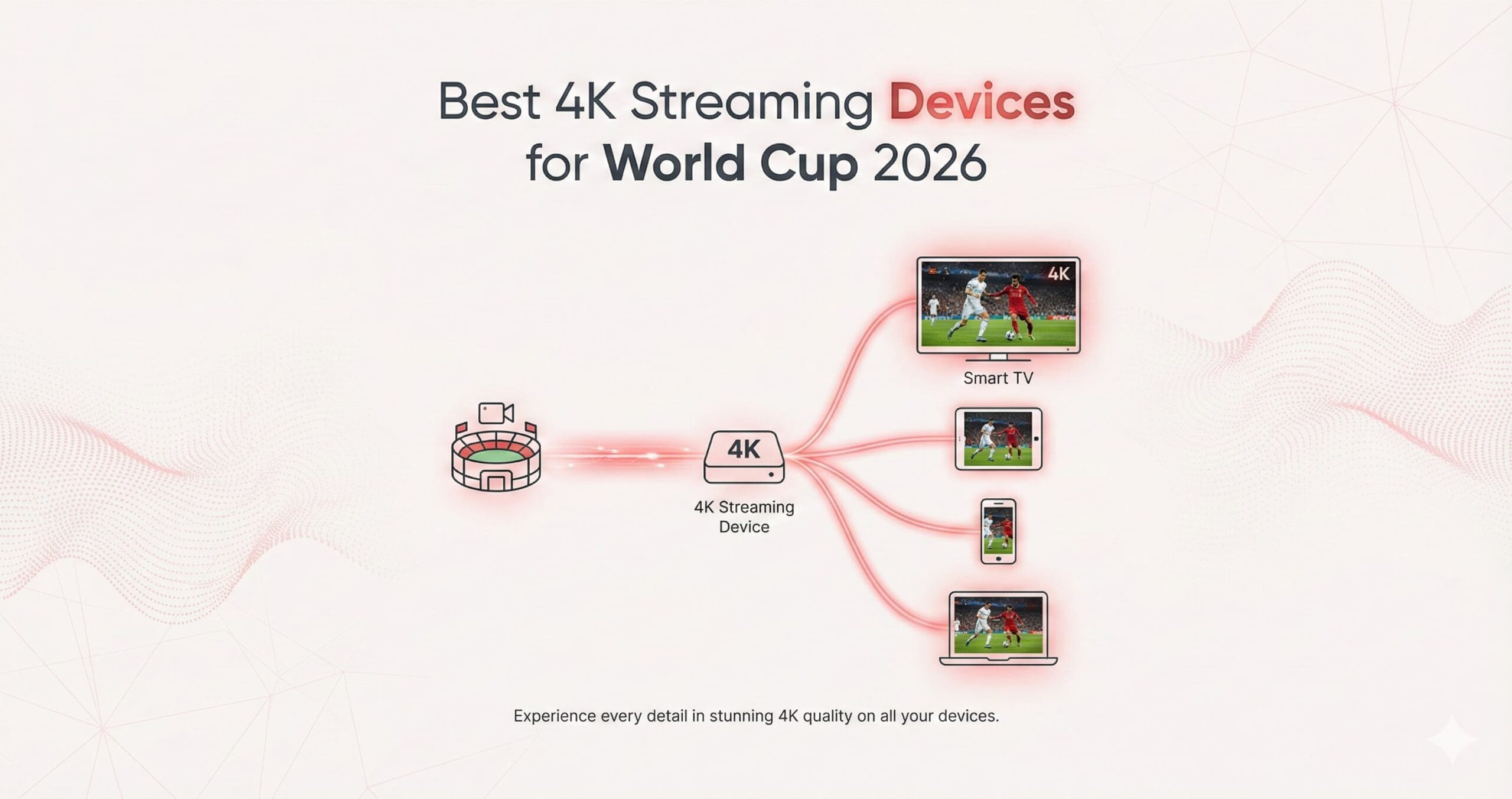
With the 2026 World Cup arriving in North America, the demand for high-performance streaming has never been higher. For fans, the choice of hardware is just as important as the service they use. A slow processor or a weak Wi-Fi chip can mean the difference between a crystal-clear goal and a pixelated mess. In this educational breakdown, we compare the “Big Three” of the streaming world: the Amazon Fire TV Stick 4K Max, the NVIDIA Shield TV Pro, and the Apple TV 4K (2025/2026 Edition).
By 2026, streaming technology has evolved to handle higher bitrates and lower latencies. However, each of these devices approaches the “Perfect Match Day” differently. Whether you prioritize AI-enhanced visuals, ecosystem integration, or raw value for money, this guide will help you choose the right engine for your World Cup experience.
1. The Powerhouse: NVIDIA Shield TV Pro
Even in 2026, the NVIDIA Shield TV Pro remains the undisputed king for power users and IPTV enthusiasts. While its industrial design has remained consistent, its internal architecture is built for one thing: performance.
AI-Enhanced Upscaling: The Secret Weapon
The standout feature for World Cup fans is NVIDIA’s AI Upscaling. Many live sports broadcasts are still delivered in 1080p or even 720p to save bandwidth. The Shield Pro uses its Tegra X1+ processor and trained neural networks to upscale these lower-resolution signals to near-4K quality in real-time. This results in sharper player jerseys, clearer grass textures, and more readable scoreboard text.
Connectivity and Storage
Unlike “stick” devices, the Shield Pro features a Gigabit Ethernet port. For a tournament as big as the World Cup, a wired connection is the best way to eliminate jitter. It also boasts two USB 3.0 ports, allowing you to connect external hard drives for recording matches or expanding the device’s internal 16GB storage.
- Best For: Users who want the absolute best picture quality for non-4K channels and those who plan to record games.
- Operating System: Android TV (highly customizable for IPTV players like TiviMate).
2. The Seamless Experience: Apple TV 4K (2025/2026)
Apple’s latest iteration of its streaming box is built around the A17 Pro (or A18) chip, making it arguably the fastest streaming device on the planet. For the 2026 World Cup, Apple has focused on stability and the “Instant-On” experience.
Fluidity and Interface
The tvOS interface is famous for being ad-free and incredibly smooth. When flipping between matches, the Apple TV 4K shows zero lag. Its QMS (Quick Media Switching) technology ensures that when the frame rate changes from a 60fps match to a 24fps documentary, your TV doesn’t “black out” for a few seconds.
The Ecosystem Advantage
If you own an iPhone or AirPods, the experience is unmatched. You can use your iPhone to calibrate the color balance of your TV for the pitch, and if you need to watch a late-night match without waking the family, Spatial Audio on AirPods provides a stadium-like experience in your ears.
- Best For: Apple users who want a premium, ad-free experience and the most stable apps in the industry.
- Operating System: tvOS (extremely secure, though slightly more restricted for “sideloading” compared to Android).

3. The Value Champion: Amazon Fire TV Stick 4K Max
The Fire TV Stick 4K Max (2nd Gen/2026 refresh) is designed to bring 4K streaming to the masses. It is a “stick” that hides behind your TV but packs a surprising amount of punch for its price point.
Wi-Fi 6E Support
One of the biggest hurdles during a global event like the World Cup is wireless congestion. The 4K Max supports Wi-Fi 6E, which utilizes the 6GHz band. This is like having a “private lane” on the highway for your data, significantly reducing buffering caused by other devices in your home.
Portability and Integration
The Firestick is the perfect travel companion. If you are visiting friends for a World Cup viewing party, you can simply plug it into their guest HDMI port. It also features Live TV Integration, allowing World Cup channels to show up directly in your “Recents” row on the home screen.
- Best For: Budget-conscious fans who want 4K HDR and Wi-Fi 6E without the high price tag of a dedicated box.
- Operating System: Fire OS (Android-based, very easy to install IPTV applications).
Technical Comparison Table
| Feature | NVIDIA Shield Pro | Apple TV 4K | Fire TV Stick 4K Max |
|---|---|---|---|
| Processor | Tegra X1+ (AI Focus) | A17 Pro / A18 | Quad-Core 2.0 GHz |
| RAM | 3 GB | 4 GB – 8 GB | 2 GB |
| Storage | 16 GB (Expandable) | 64 GB / 128 GB | 16 GB |
| Ethernet | Built-in Gigabit | Built-in Gigabit | Requires Adapter |
| Wireless | Wi-Fi 5 (AC) | Wi-Fi 6 / 6E | Wi-Fi 6E |
| Special Feature | AI Upscaling | Apple Ecosystem / QMS | Portability / Low Price |
4. Hardware Performance in Live Sports Scenarios
When watching a fast-paced sport like football, “Judder” and “Motion Blur” are the enemies. Let’s look at how these devices handle the 2026 World Cup feed:
Frame Rate Matching
The World Cup is broadcast in different frame rates depending on the region (50Hz in Europe, 60Hz in the US). Apple TV 4K has the most robust system-wide frame rate matching. It forces your TV to match the broadcast, ensuring the ball moves smoothly across the screen. NVIDIA Shield and Firestick also offer this, but it often requires manual setup within specific apps like TiviMate.
Thermal Throttling
Cheap streaming sticks often overheat during long 4K sessions, causing them to slow down and buffer. The NVIDIA Shield Pro and Apple TV 4K have superior thermal management (the Shield even has a tiny, silent fan). If you plan to watch three matches in a row on a hot summer day, these boxes are far more reliable than a small stick tucked behind a hot TV panel.
5. Software Ecosystems for 2026
The 2026 landscape is divided into three distinct software philosophies:
- Android TV (Shield): Open and flexible. It allows for advanced networking apps, custom launchers, and detailed system monitoring.
- Fire OS (Amazon): Very aggressive with advertisements but very fast at launching Amazon-hosted content. It is the easiest to set up for beginners.
- tvOS (Apple): The “walled garden.” It is incredibly secure and consistent, but you cannot easily “sideload” third-party apps without using tools like TestFlight or specialized developer accounts.
The Verdict: Which Should You Buy for World Cup 2026?
Choose the NVIDIA Shield TV Pro if:
You are a “set it and forget it” enthusiast who wants the absolute highest quality. The AI Upscaling makes even average streams look premium, and the wired Gigabit Ethernet ensures your connection never drops during a penalty. It is the professional’s choice for IPTV.
Choose the Apple TV 4K if:
You value speed and simplicity. If you want the fastest app switching, an ad-free home screen, and you already own Apple devices, this is the most polished experience money can buy in 2026.
Choose the Amazon Fire TV Stick 4K Max if:
You want 90% of the performance for 30% of the price. If you have a Wi-Fi 6E router and want a simple way to watch the World Cup in 4K without spending $150+, the Max is the best value in the market.
Conclusion
The 2026 World Cup will push streaming technology to its limits. While your internet service provider (ISP) provides the “fuel,” your streaming device is the “engine.” Investing in a high-quality device like the Shield Pro, Apple TV, or 4K Max ensures that when the first whistle blows in 2026, you are seeing every detail in the highest possible fidelity. Prepare your hardware now, and enjoy the beautiful game as it was meant to be seen.
Disclaimer: Hardware specifications and software versions are based on current 2026 industry standards and manufacturer data. Always ensure your television supports 4K HDR to get the most out of these devices.
Pingback: The Best IPTV Players for World Cup 2026: A Definitive Comparison -